
Plus AI Feature
Staring at a blank slide before a big investor meeting is stressful, so we made it easier. Browse these Pitch Deck Prompt Ideas for Nano Banana to instantly generate layouts for your problem slides, market sizing, and team intros. Because Pro handles text rendering exceptionally well, you can ask for detailed diagrams with readable labels and actually get them. It is the perfect way to visualize your traction (and get that funding) without fighting with formatting tools.
12 prompts
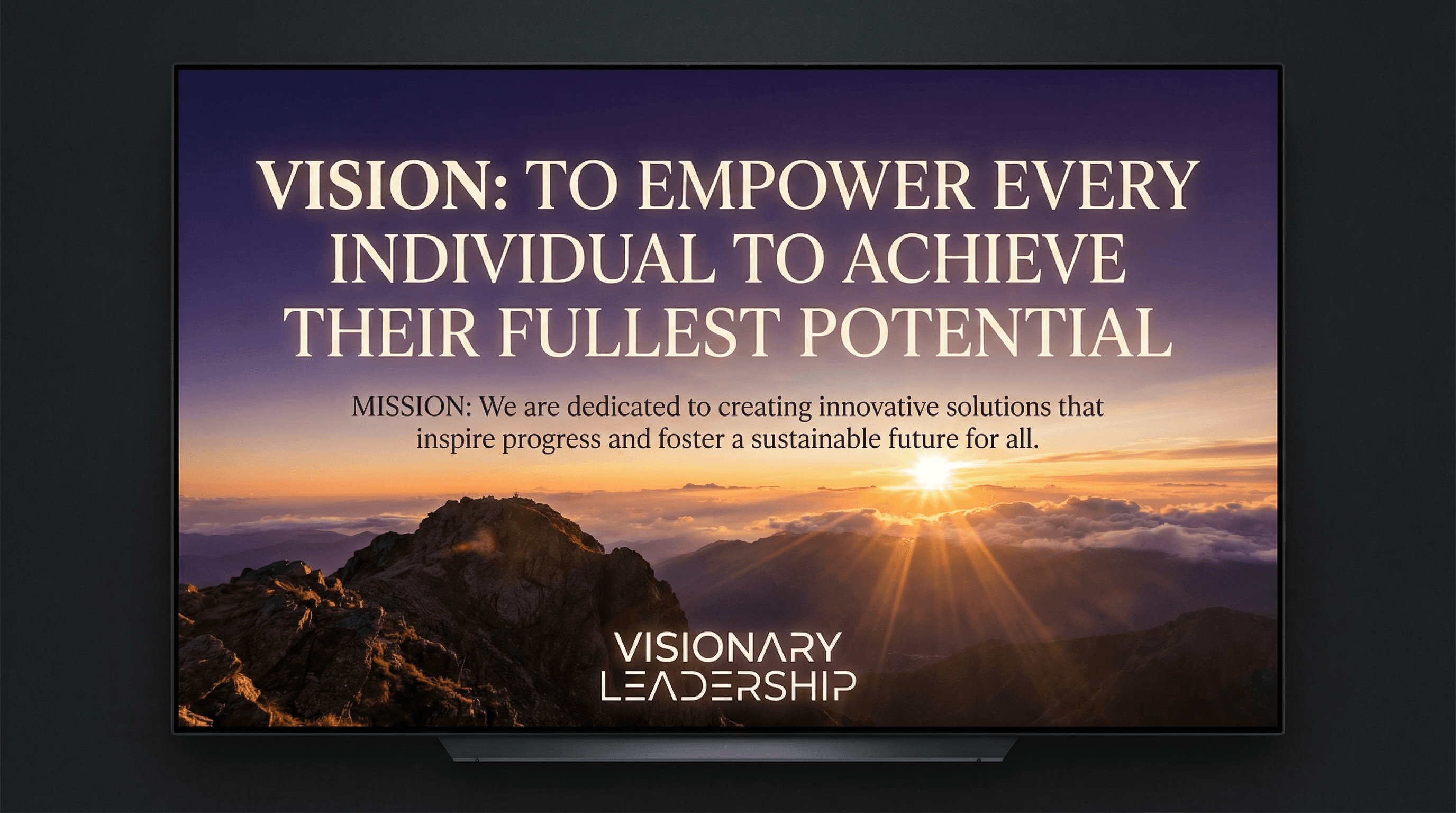
Create an inspiring slide presenting the company vision and mission statement. Use an aspirational style with dramatic hero image background (sunrise, mountain summit, horizon), vision statement in large elegant serif font, mission in supporting text, subtle light rays, inspirational color gradient (purple to orange), and visionary leadership typography.
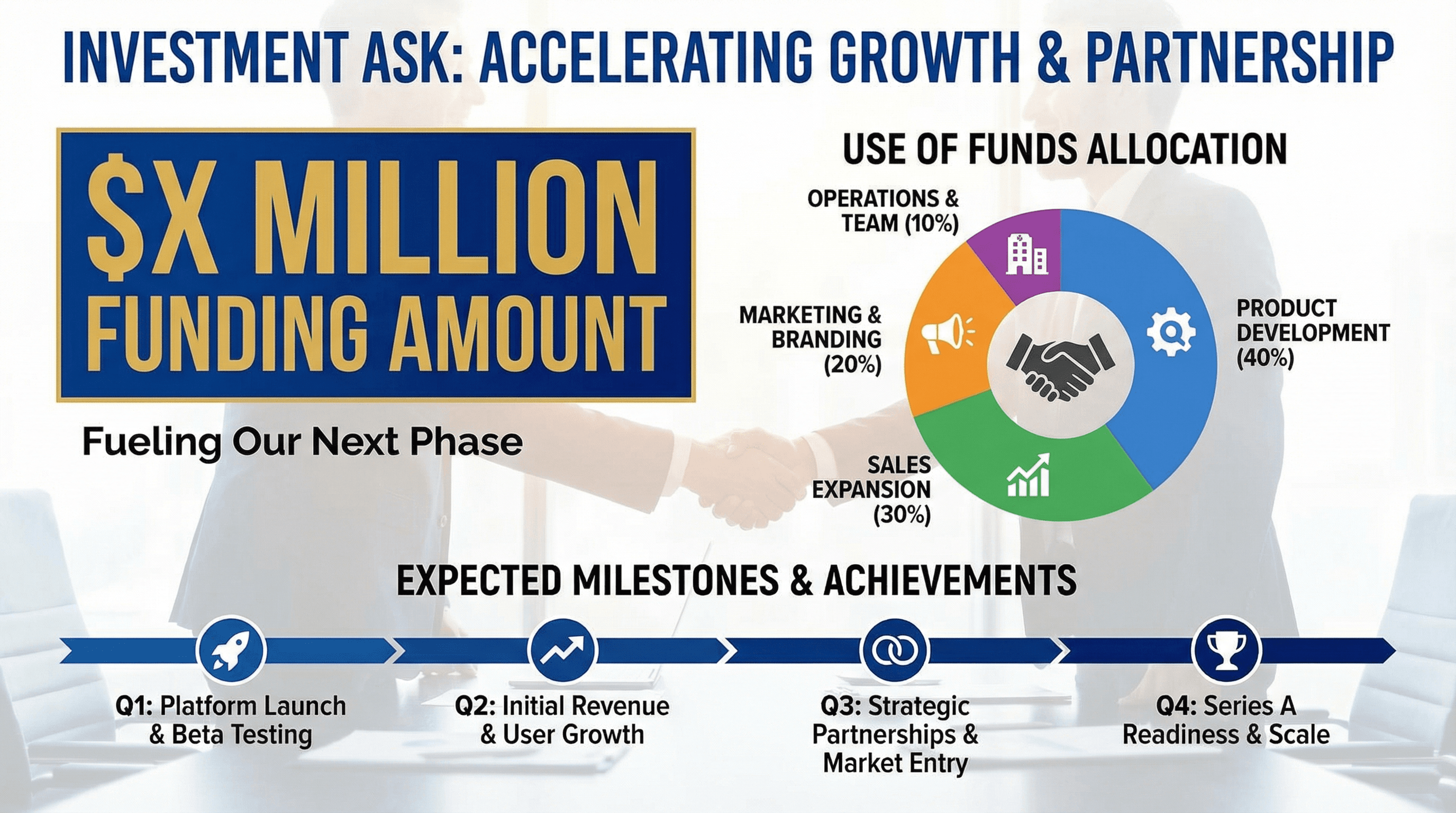
Design a slide presenting funding amount, use of funds, and expected milestones. Use an investment ask style with large funding amount in bold ($X Million), pie chart showing fund allocation (Product, Sales, Marketing, Ops), milestone targets with achievement timeline, handshake partnership imagery, confident ask colors, and direct funding-focused typography.
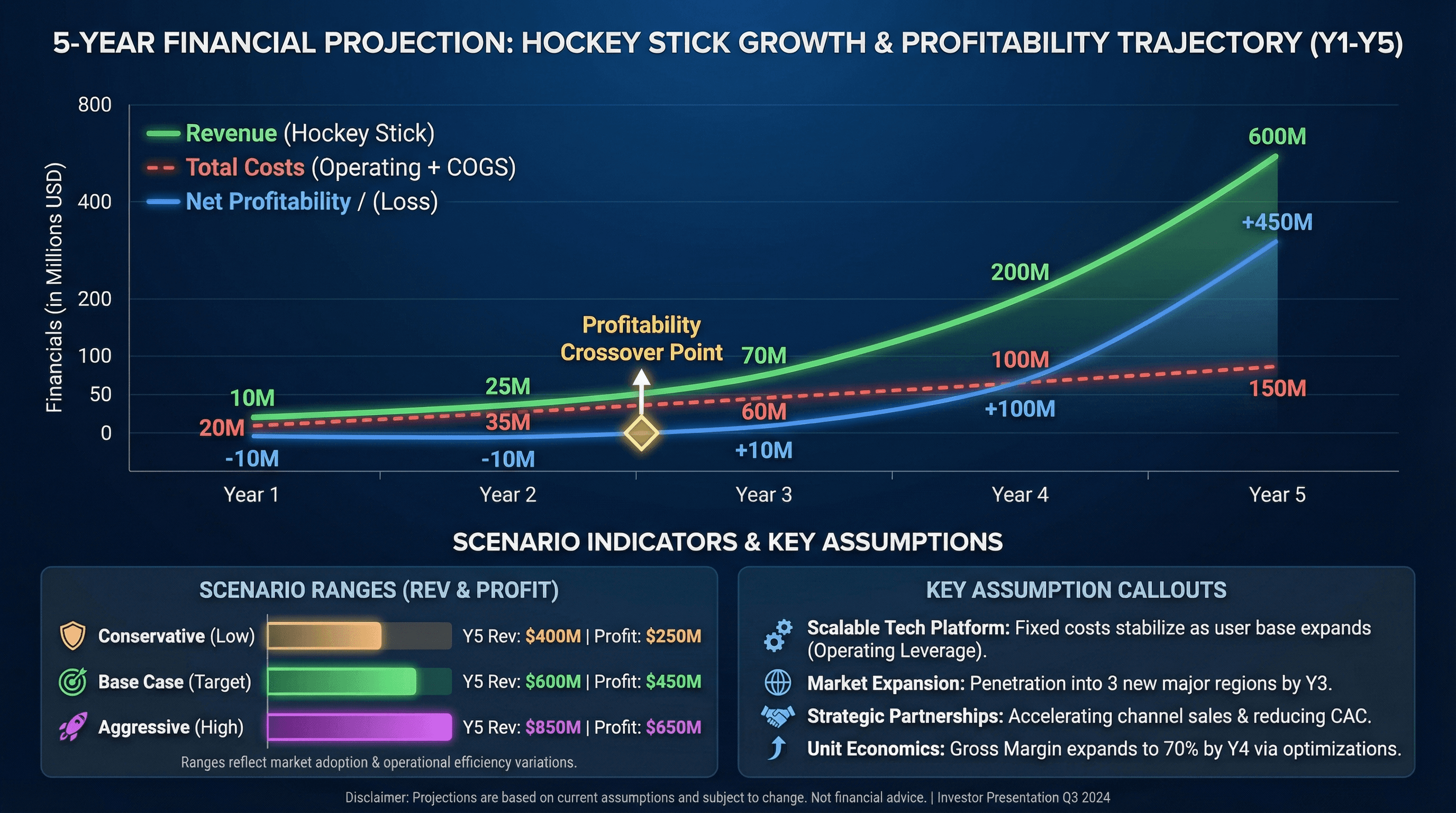
Create a 5-year financial projection slide with revenue, costs, and profitability. Design in a hockey stick projection style with multi-line chart showing revenue growth, profitability crossover point highlighted, key assumption callouts, conservative/base/aggressive scenario indicators, investor-friendly formatting, and professional financial typography.

Design a slide introducing founding team with photos, roles, and credentials. Use a team spotlight style with professional headshot photos in consistent circular frames, name and title below each, impressive credential badges (ex-Google, Stanford MBA), team chemistry connection lines, warm trustworthy background, and credibility-building typography.
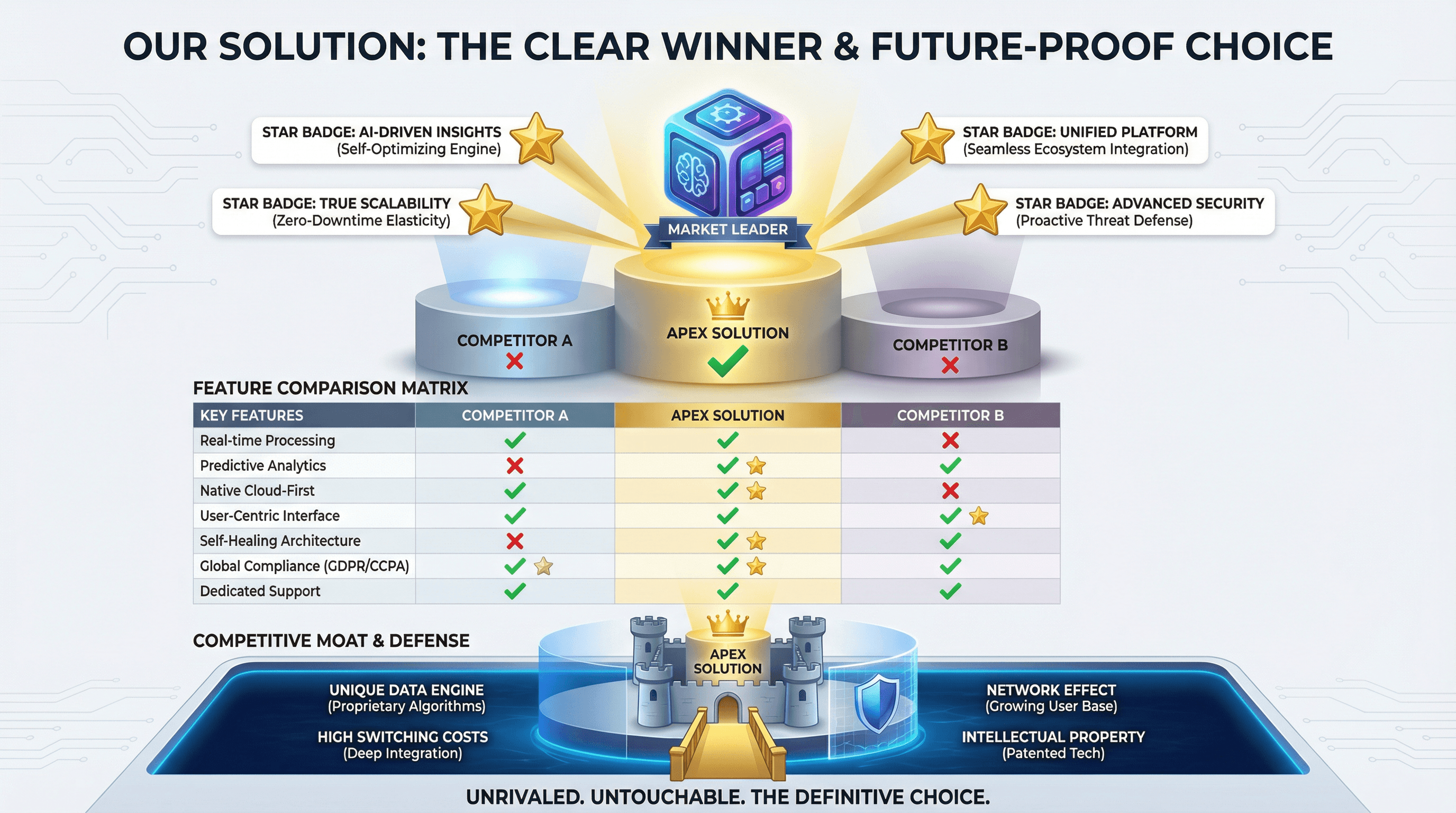
Create a slide comparing your solution to competitors with feature matrix. Use a winner's podium style with your product on top center position, competitor comparison table with green checkmarks vs red X marks, unique differentiator callouts with star badges, competitive moat visualization, and confident differentiation typography.

Design a slide showcasing growth metrics, user numbers, and milestones achieved. Use an up-and-to-the-right style with hockey stick growth chart as hero visual, large milestone numbers with achievement dates, customer logo parade, user count with growth percentage, celebratory confetti accents, momentum-building gradient, and exciting traction typography.
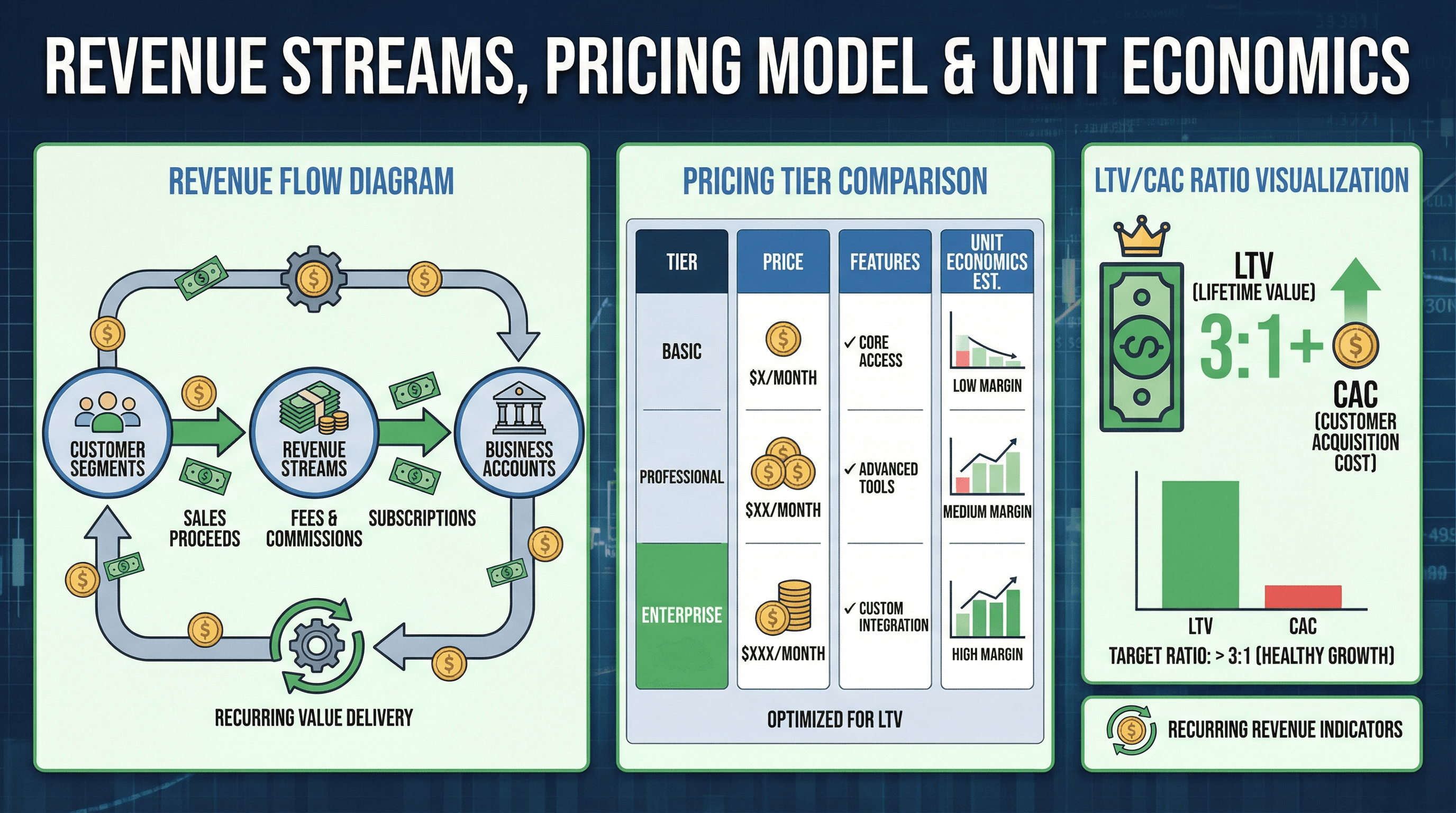
Create a slide explaining revenue streams, pricing model, and unit economics. Design in a unit economics style with revenue flow diagram showing money movement, pricing tier comparison, LTV/CAC ratio visualization, recurring revenue indicators, dollar bill and coin graphics, financial model aesthetic, and clear business model typography.
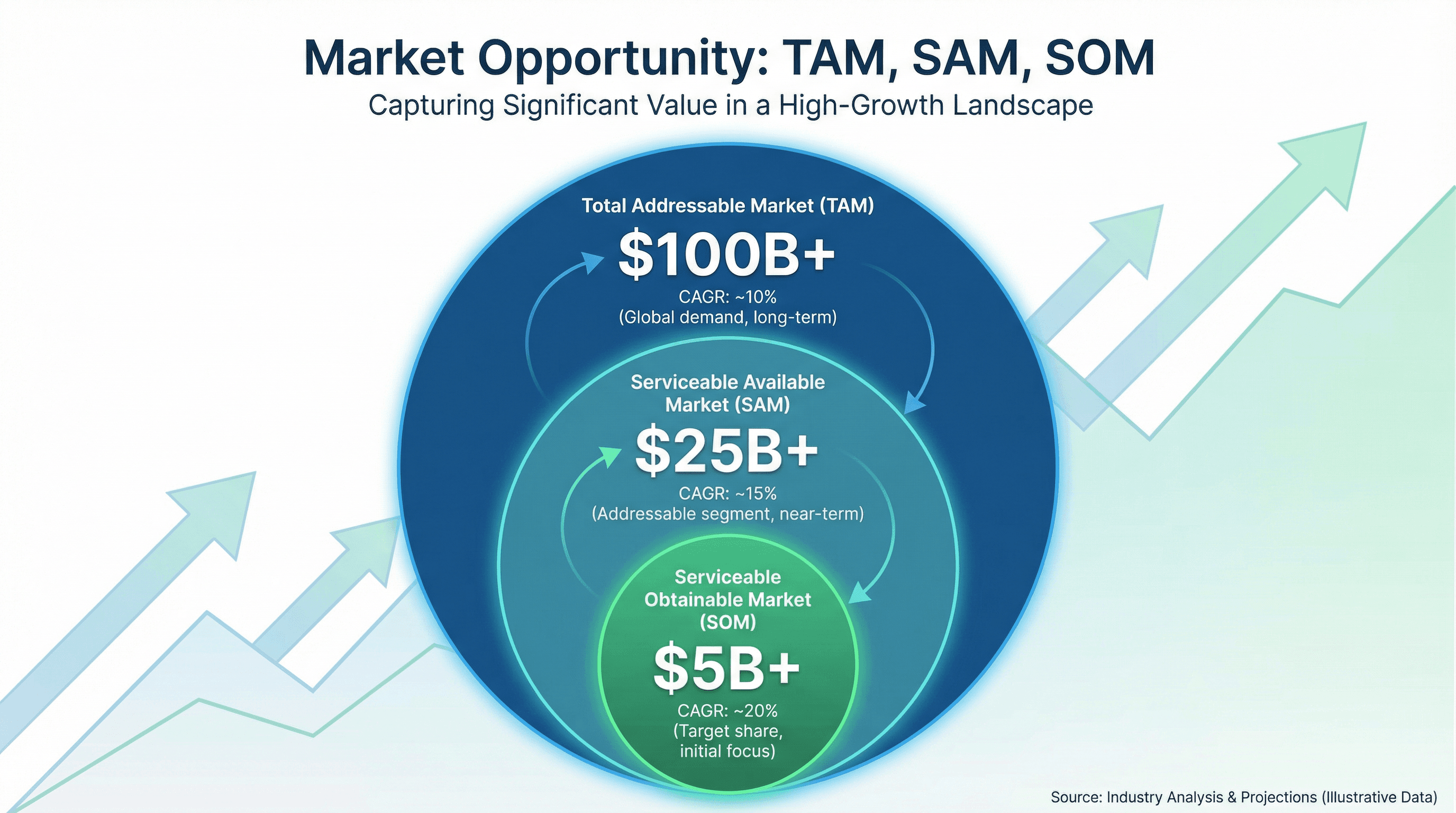
Design a slide showing Total Addressable Market, Serviceable Market, and Target Market. Use a market opportunity style with three concentric circles (largest TAM to smallest SOM), dollar amounts in billions, market growth percentages, upward trending background graphic, investor-friendly blue and green colors, and compelling market sizing typography.
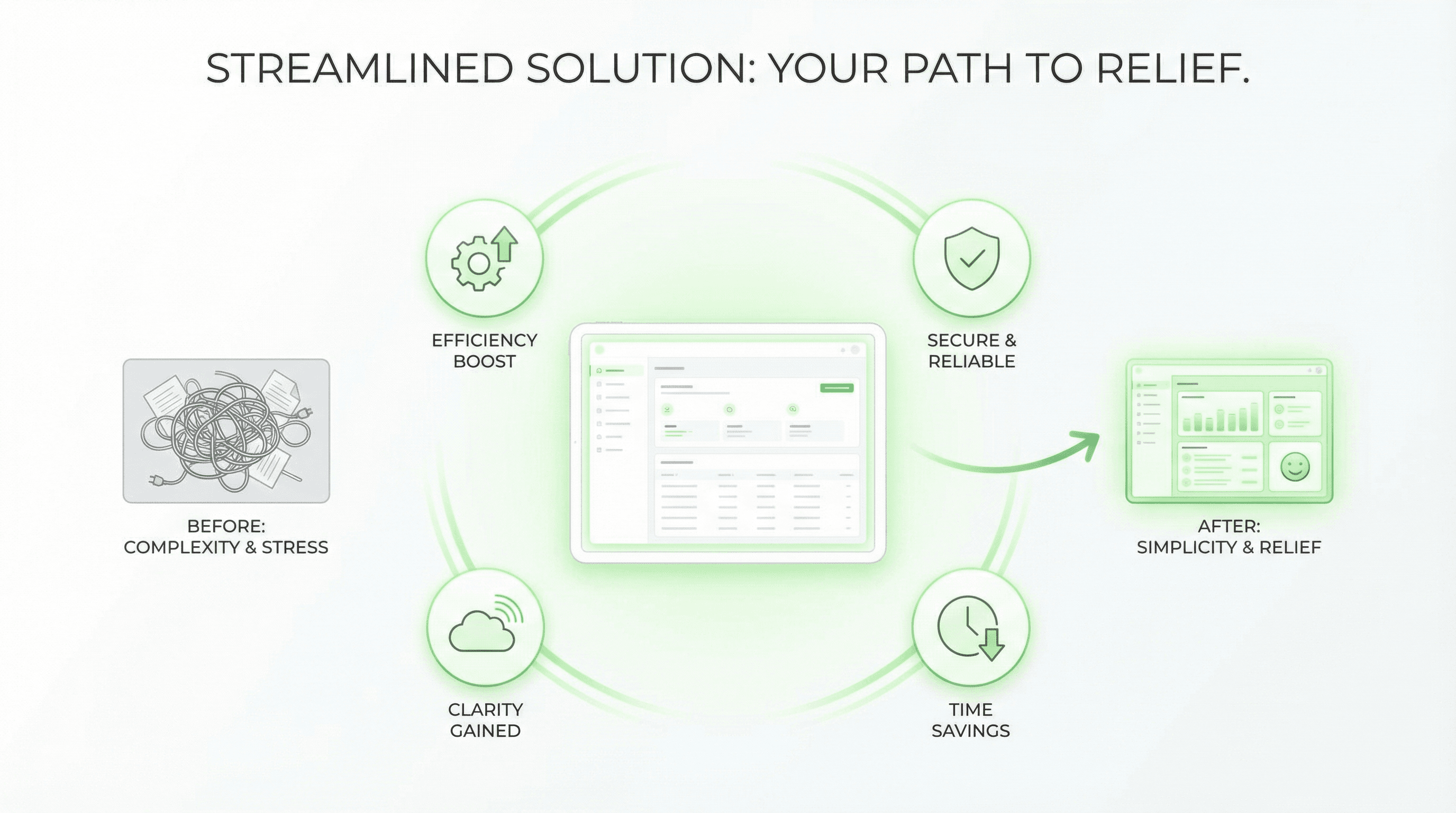
Create a slide presenting your product solution with key benefits. Use a hero product style with product screenshot/mockup as centerpiece with subtle glow, benefit icons radiating outward, before/after transformation graphic, green positive colors suggesting relief, clean white space, Apple-inspired minimalism, and confident solution-focused typography.
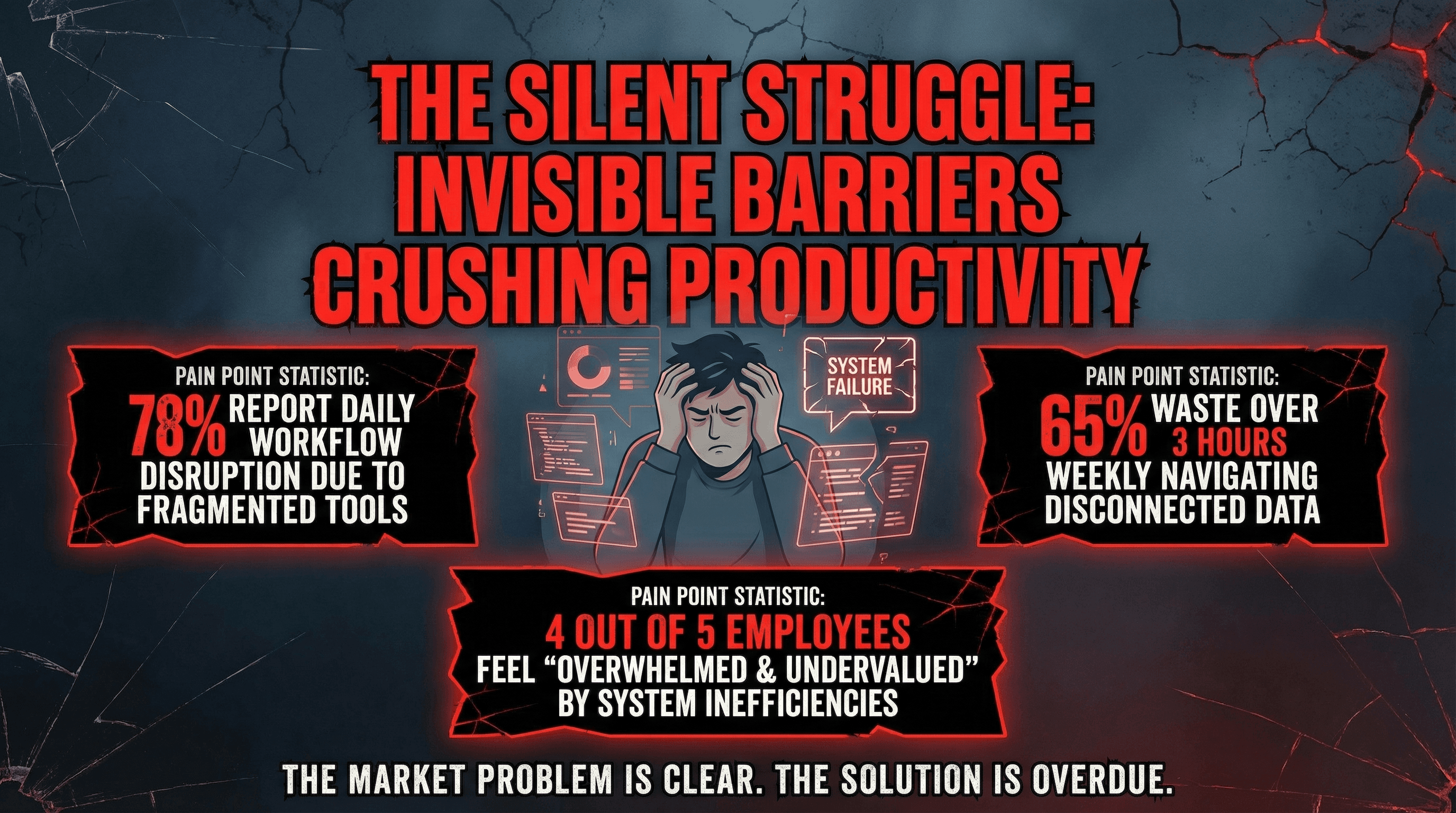
Design a slide clearly articulating the market problem your startup solves. Use an empathy-driven style with large problem statement in bold red text, frustrated user persona illustration, pain point statistics in alarming callout boxes, broken/cracked visual metaphors, dark moody background creating tension, and dramatic problem-focused typography.
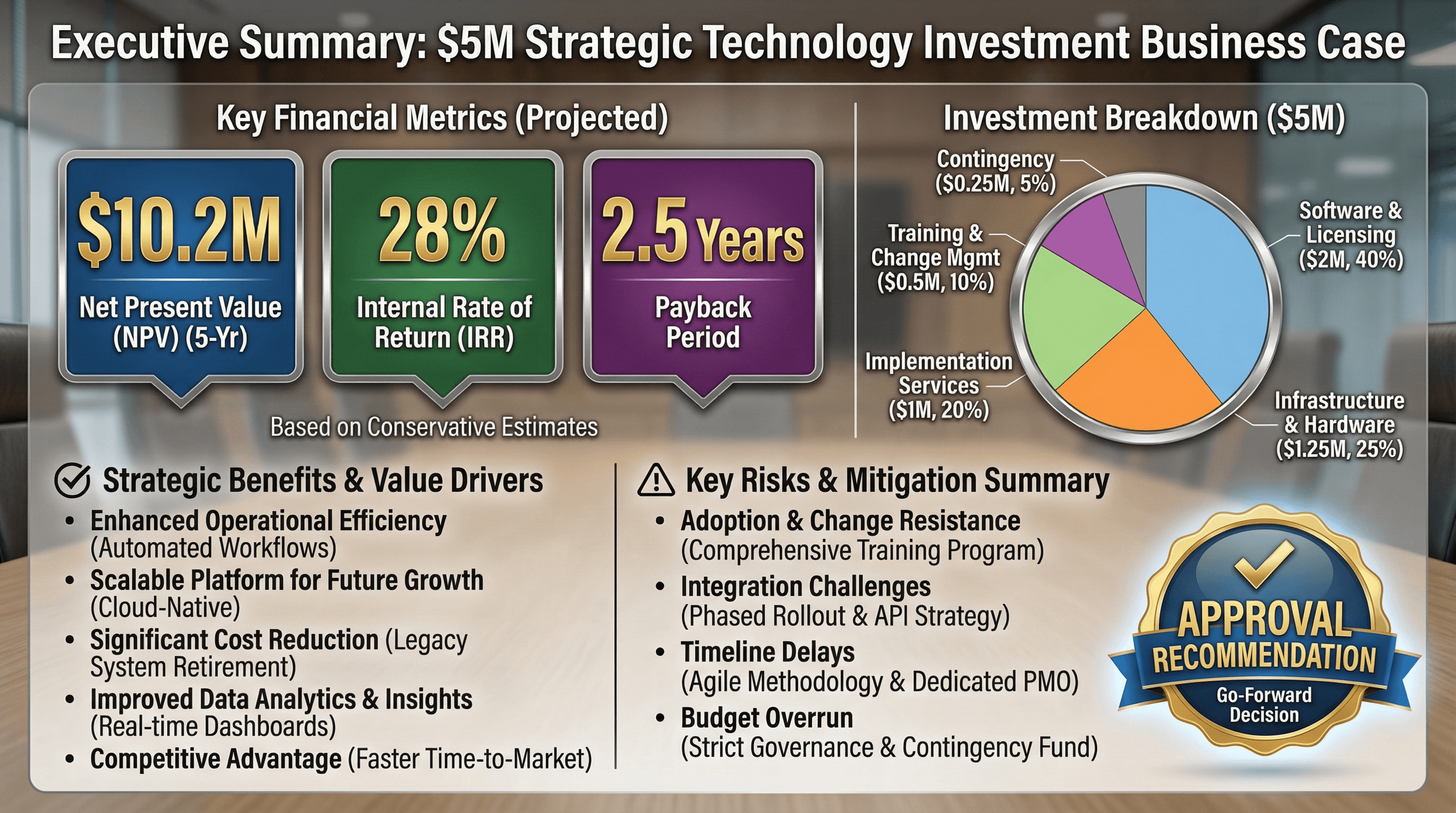
Create an executive summary slide for a $5M technology investment business case. Use an investment proposal style with key metrics in large callout boxes (NPV, IRR, Payback Period), investment breakdown pie chart, benefit bullets, risk summary, approval recommendation badge, formal boardroom aesthetic, and persuasive financial typography.
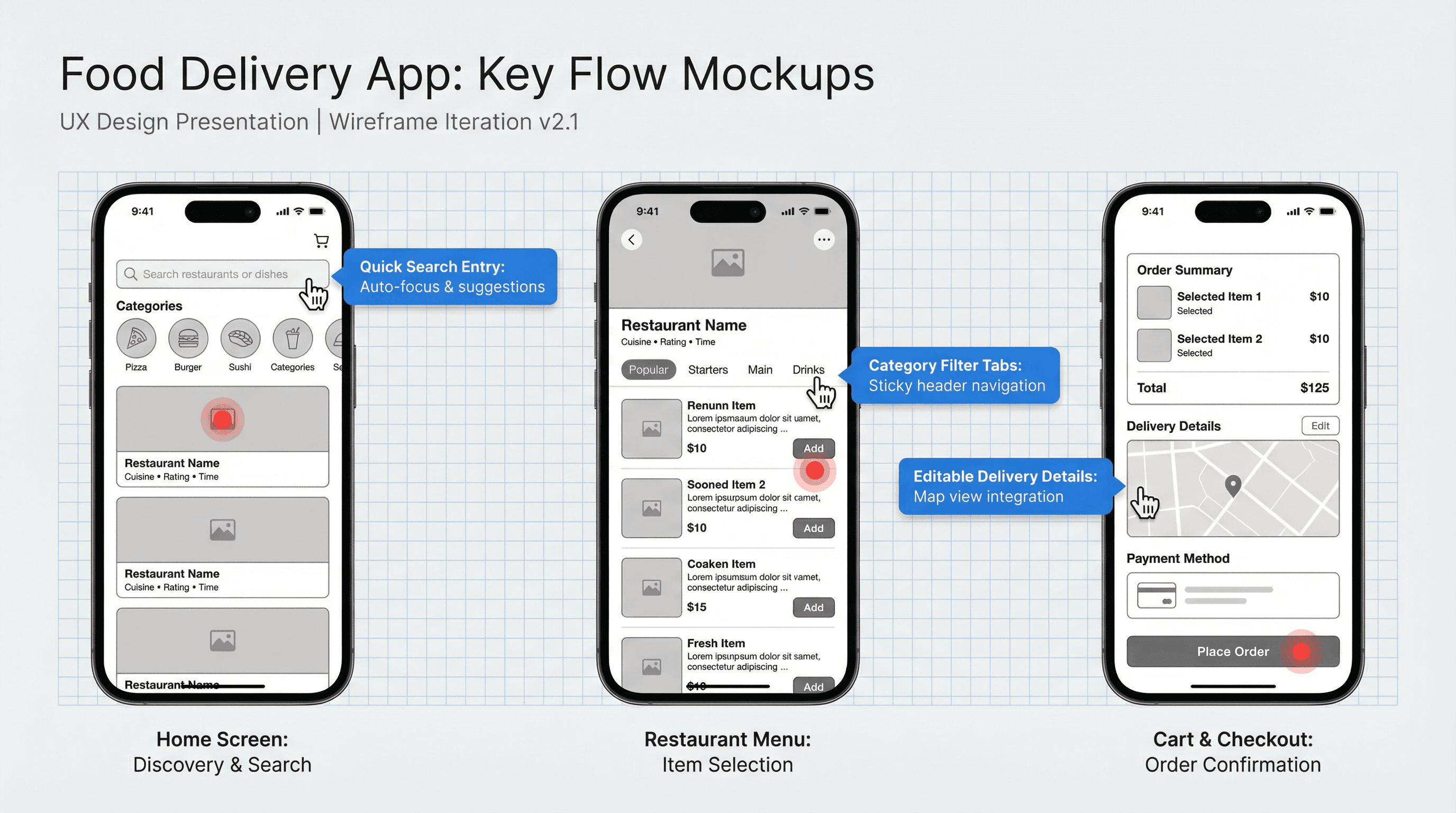
Create a slide showing key screen mockups for a food delivery mobile application. Design in a UX design presentation style with iPhone device frames, clean grayscale wireframes with blue annotation callouts, hand cursor interaction indicators, grid overlay showing spacing, red hotspot markers, and design system typography labels.
How to use these Pitch Deck Prompt Ideas for Nano Banana prompts
Pitch decks are high-pressure documents where clarity is king and you rarely have enough time to design everything from scratch. These prompts are designed to help you communicate complex startup concepts visually without hiring a designer. Browse the ideas below to find a structure that matches your narrative, then copy the prompt into Nano Banana. You should swap in your specific details (like your company name or specific metrics) to generate a custom slide instantly that looks like it took hours to build.
Leverage the text capabilities of Nano Banana Pro. Unlike older AI models that scrambled letters, Pro is excellent at rendering legible text and labels. When you write your prompt, put the exact text you want inside quotation marks. You can ask for a 2x2 matrix with labels Low Cost and High Performance on the axes, and it will actually render those words correctly. This is a huge advantage for pitch decks where the data needs to be readable.
Be descriptive about your visual metaphors. Investors see a lot of generic charts. Instead of asking for a standard bar graph, try asking for a rising staircase made of blocks labeled with your revenue milestones, or a bridge connecting the Problem on the left to the Solution on the right. The more vivid your description, the more memorable the slide will be for your audience.
Specify your design constraints to match your brand. If your deck has a dark theme, tell Nano Banana to use a dark charcoal background with white sans-serif text. You can even describe the layout structure, such as asking for a three-column layout with icons on top and text descriptions below. This keeps the generated image usable and consistent with the rest of your presentation, saving you from having to crop or edit significantly.
The competitive landscape slide is a perfect candidate for Nano Banana. You can prompt for a magic quadrant style chart or a feature comparison table. Since the AI handles text well, you can explicitly ask it to place your competitors' names in the lower quadrants and your company name in the top right Winner position, complete with a highlighting glow or a distinct color to make you stand out.
Explaining technical architecture or how your product works can be a nightmare to draw manually with shapes. Use these prompts to generate schematic diagrams. You can describe a flow where Data enters from the left, goes through a Processing gear icon in the middle, and exits as Insights on the right. It creates a professional-looking infographic in seconds that simplifies complex tech for non-technical investors.
Work directly in Google Slides and PowerPoint — no need to learn a new tool
Never start from scratch again, just tell us what kind of presentation you want to make.
Add, remix, and rewrite your slides to fine-tune your presentation.
Market sizing often requires visualizing large numbers to show the scale of the opportunity. You can use these prompts to generate a TAM/SAM/SOM diagram using concentric circles or a funnel visualization. By specifying the exact dollar amounts you want labeled on each section, you get a graphic that is ready to present immediately, rather than a generic stock image that you have to overlay text onto later.
Integrate your exact brand colors using hex codes. Nano Banana Pro is smart enough to understand specific color values. Instead of just saying blue, try prompting for a slide background in #002D62 with accents in #FFC72C. This ensures the generated assets feel like they belong to your company, not a generic template.
Chain your prompts for a cohesive story. Once you find a style prompt that works for your title slide (like isometric 3D style with neon purple lighting), reuse those descriptive style keywords for your subsequent slides. This keeps the visual language consistent throughout the deck, which signals professionalism to investors.