
Plus AI Feature
Mapping out a system or team structure usually involves hours of dragging boxes around, but these Diagram & Flowchart Prompt Ideas for Nano Banana can generate the layout you need in seconds. Whether you are building a technical architecture diagram, a decision tree, or a detailed org chart, Nano Banana Pro nails the structure and actually renders the text labels correctly. Use these examples to create annotated, presentation-ready slides that clearly communicate your workflow (and save you from alignment hell).
33 prompts

Create a technical slide showing AWS infrastructure with EC2, S3, RDS, and Lambda components. Design in official AWS style with their orange and dark blue color scheme, isometric 3D cloud and server icons, clean connector lines with data flow arrows, white background with subtle grid, and technical monospace fonts for labels.
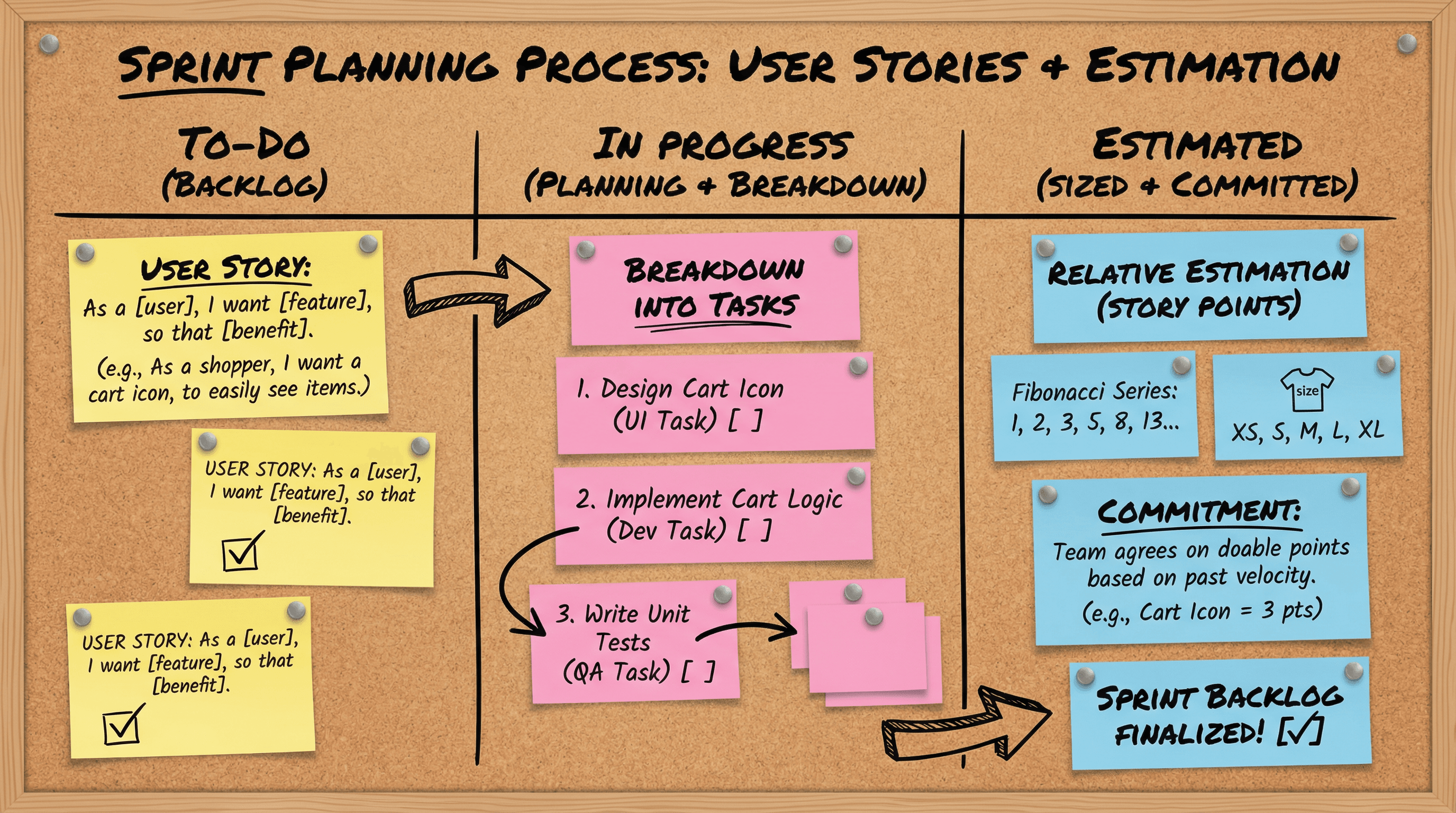
Design a slide explaining the sprint planning process with user stories and estimation. Use a Kanban board aesthetic with colorful sticky note graphics in yellow, pink, and blue on a cork board texture, handwritten marker-style fonts, push pin accents, to-do checkbox illustrations, and casual startup whiteboard energy with doodle arrows.

Create a slide outlining code blue response procedure with roles and timing. Design in an urgent alert style with bold red and white high-visibility colors, warning stripe borders, stopwatch graphics showing response times, silhouette figures in action poses, flashing light icon effects, and impact-heavy bold condensed typography demanding immediate attention.
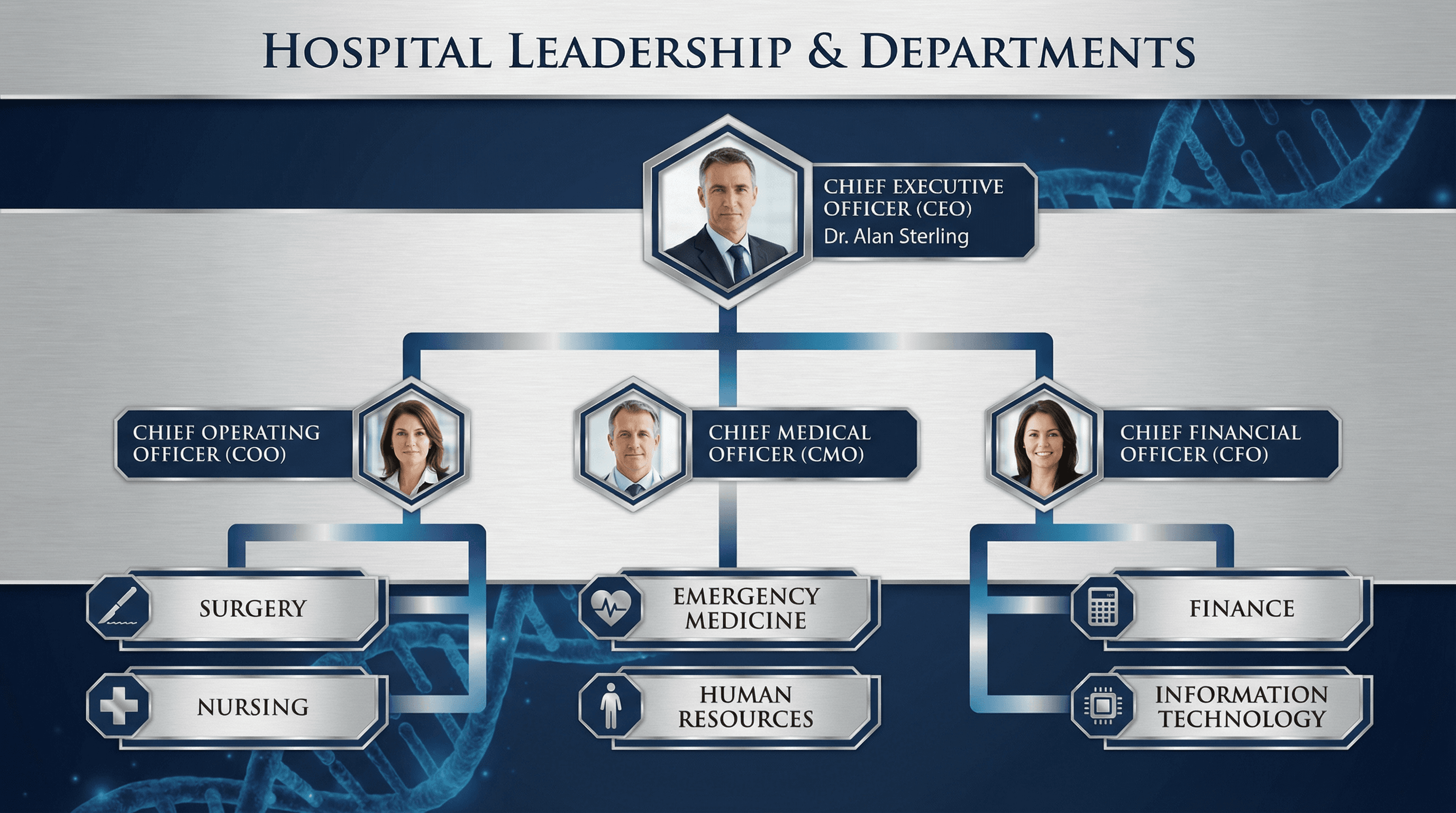
Design an organizational chart showing hospital leadership and departments. Use a corporate medical style with navy blue and silver color palette, hexagonal photo frames for executives, clean hierarchy lines with gradient fills, subtle DNA helix pattern in background, modern geometric shapes, and prestigious serif typography for titles.
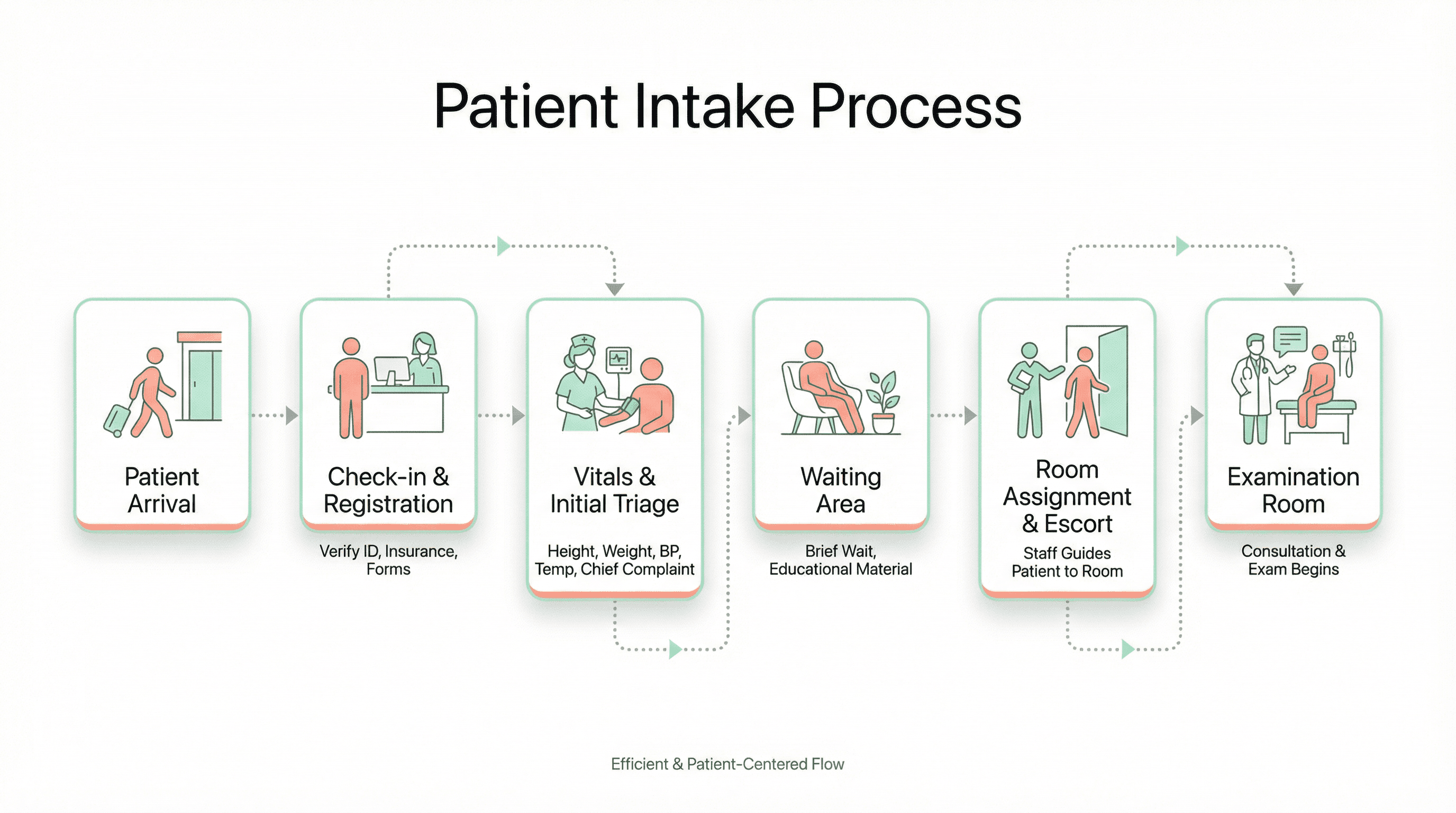
Design a flowchart slide showing the patient intake process from arrival to examination room. Use a modern healthcare UI style with soft mint green and coral accents on white, rounded rectangular process boxes with subtle shadows, friendly line-art icons of patients and staff, dotted connector lines, and a clean Apple Health-inspired minimalist aesthetic.
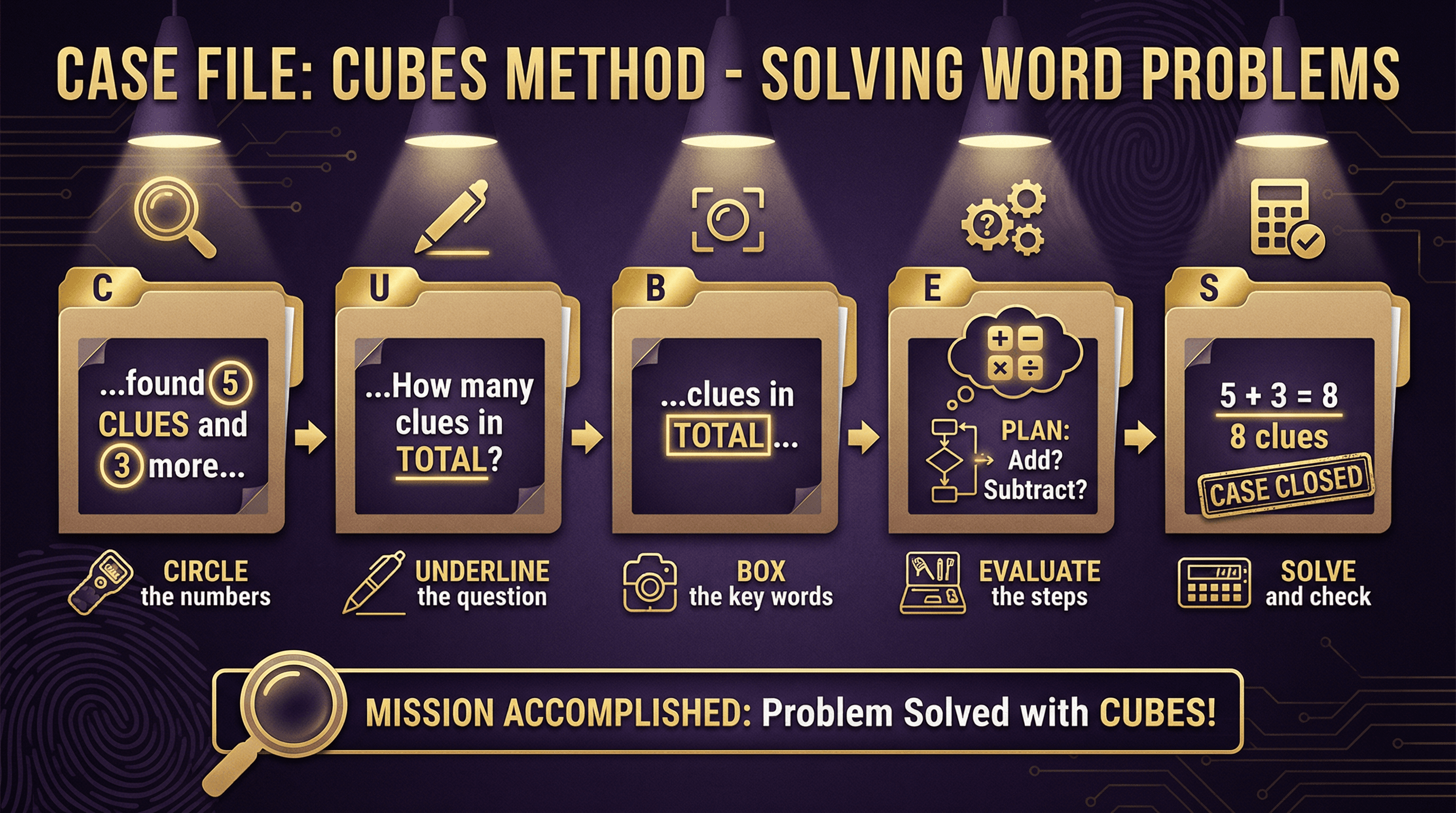
Create a slide teaching the CUBES method (Circle, Underline, Box, Evaluate, Solve) for solving word problems. Design in a detective mystery theme with magnifying glass motifs, noir-inspired dark purple and gold color scheme, case file folder graphics, fingerprint patterns in backgrounds, spy gadget icons for each step, and dramatic spotlight effects on key information.
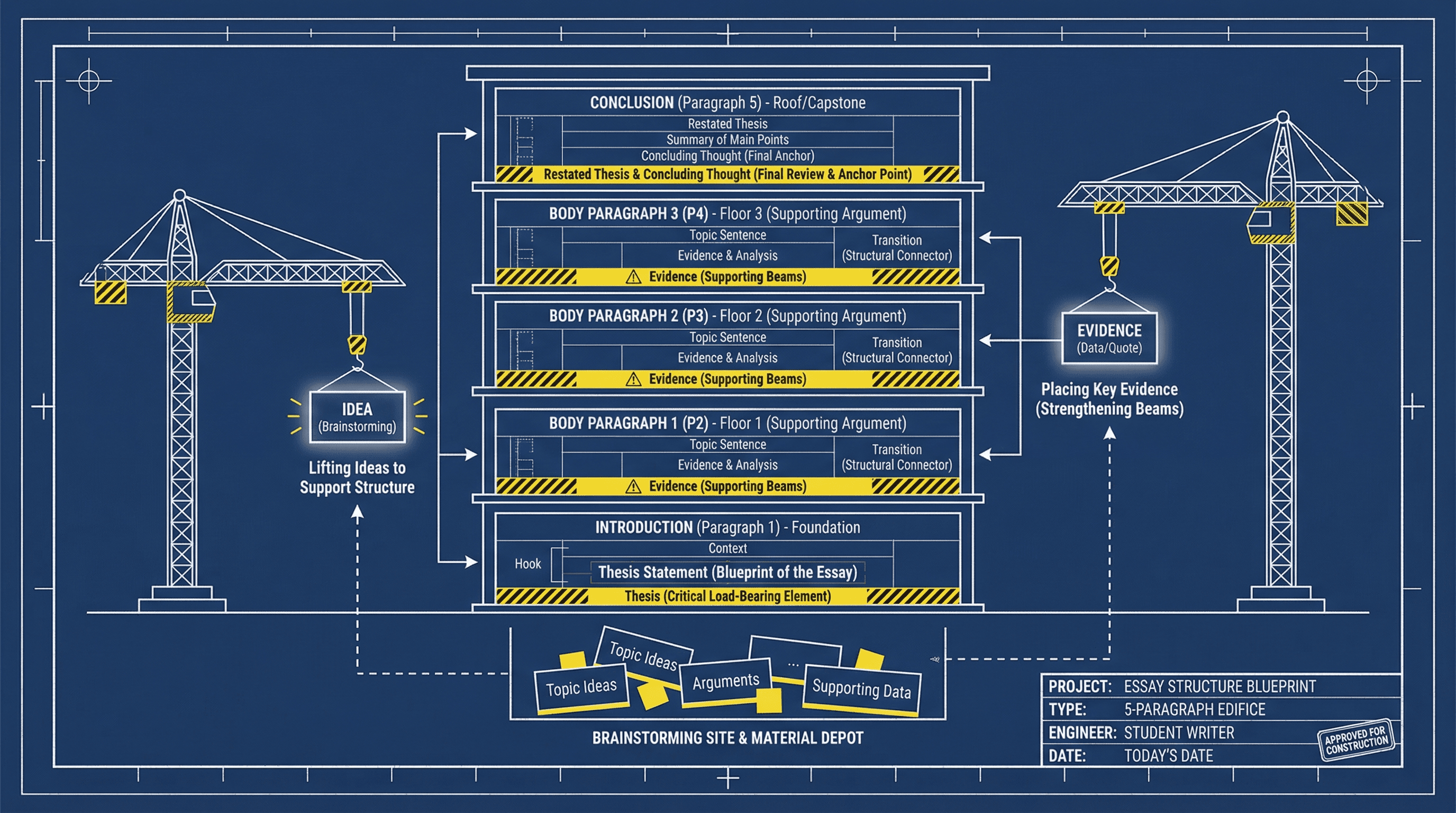
Design a slide showing the 5-paragraph essay structure visually. Use an architectural blueprint style with navy blue background, white line drawings resembling building schematics, paragraph blocks as stacked building floors, construction crane graphics lifting ideas, technical drafting fonts, and yellow caution stripe accents highlighting key structural elements.
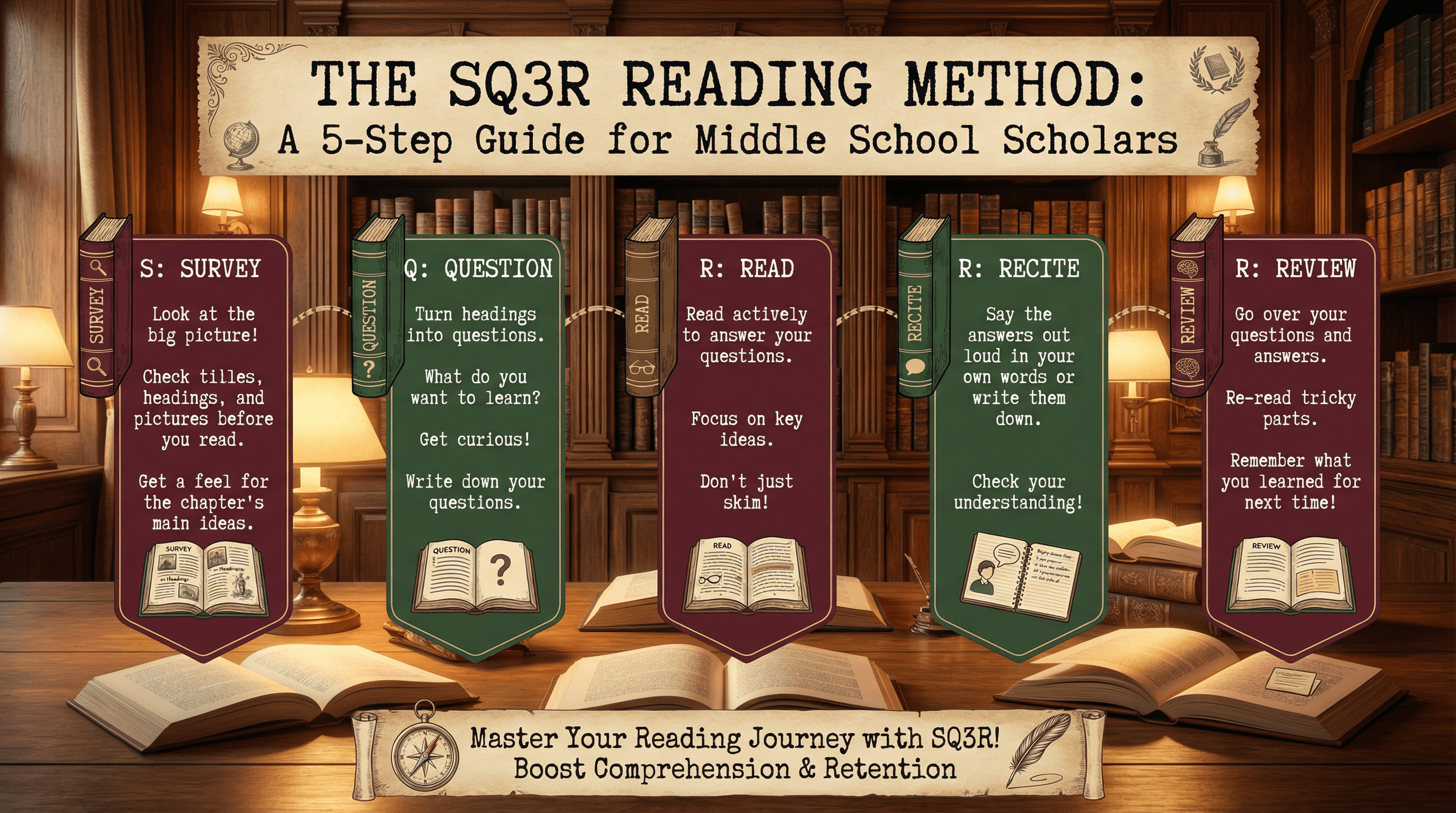
Design a slide explaining the SQ3R reading method for middle school students. Use a cozy library aesthetic with warm wood tones, vintage book spine illustrations, bookmark-shaped text containers in burgundy and forest green, classic typewriter-style fonts, scattered open book graphics, and soft reading lamp glow effects with a nostalgic scholarly feel.
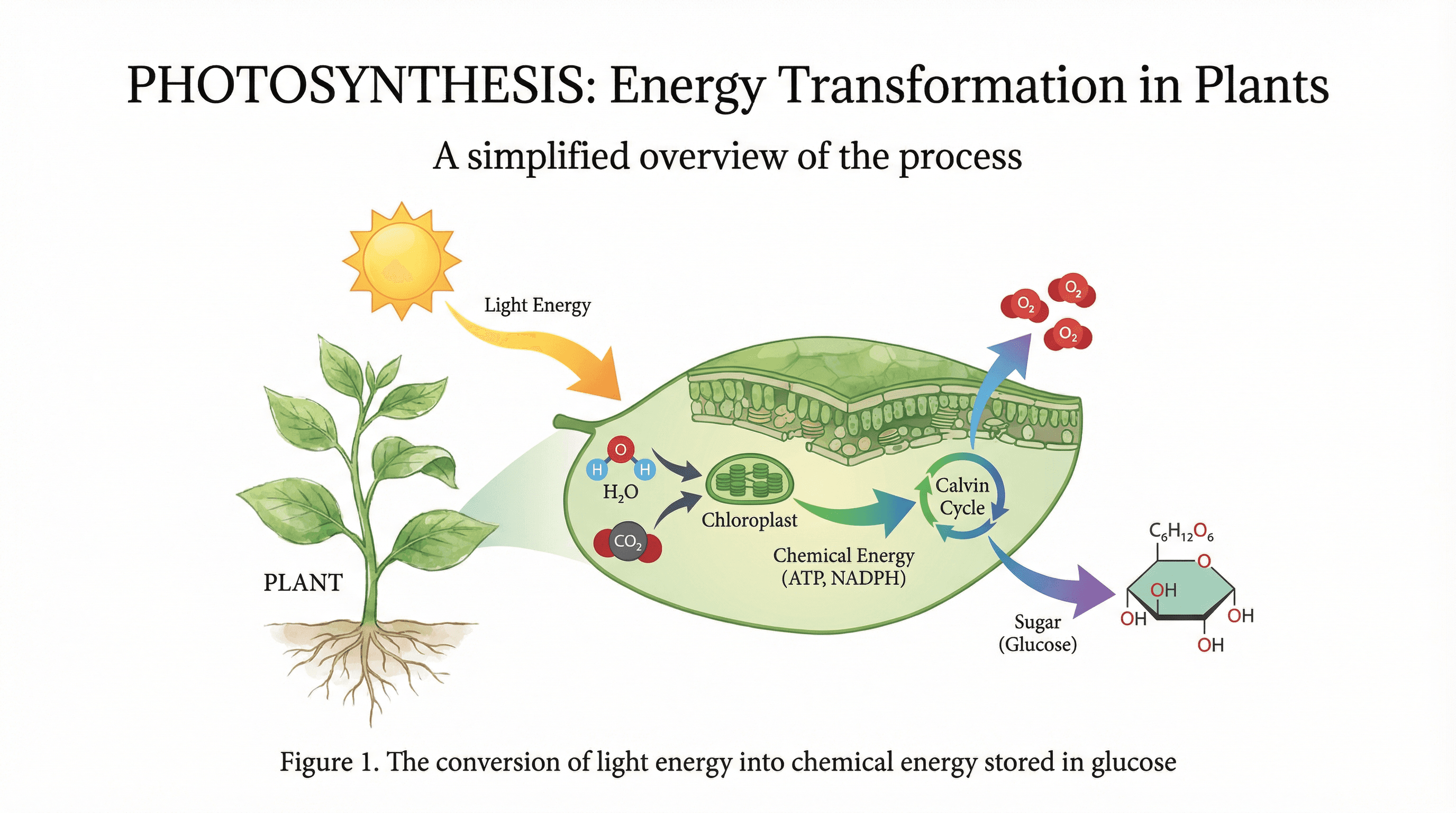
Create a scientific diagram slide explaining photosynthesis for high school biology students. Use a modern textbook aesthetic with a clean white background, botanical illustration style for plant elements in watercolor greens, flowing arrows in gradient colors showing energy transformation, molecular structures in flat design style, and elegant serif headers with scientific precision.
How to use these Diagram & Flowchart Prompt Ideas for Nano Banana prompts
Need to visualize a process, team structure, or decision path? This collection gives you the starting blocks for creating professional diagrams directly in your slides. Browse through these examples to find a structure that fits your data, then copy the prompt and swap in your specific labels. It saves you the headache of manually dragging shapes and arrows around for hours.
Since Nano Banana Pro is exceptional at rendering text, you should be specific about your labels. Don't be afraid to list exactly what you want written inside the boxes. For example, you can write: Create a flowchart with three steps labeled "Research," "Development," and "Launch." The model handles these instructions accurately, so you get usable text right out of the gate.
Define the flow and layout clearly. Tell the AI if you want a horizontal timeline, a vertical hierarchy, or a circular feedback loop. Words like "left-to-right flow," "top-down tree structure," or "concentric circles" help the model understand exactly how to arrange the elements on the canvas.
Be descriptive about the visual style to match your deck. If your presentation is corporate and clean, ask for "flat vector style, minimal blue and gray color palette, sans-serif typography." If you want something more brainstorming-friendly, try asking for a "hand-drawn whiteboard style with marker textures."
Organizational charts are a massive time-saver here. Instead of manually aligning boxes and connectors, you can describe the hierarchy levels—like "CEO at top, three VPs below, and team leads under them"—and let the AI generate a perfectly aligned structure with the titles included.
Technical workflows and architecture diagrams also shine with Nano Banana. You can request a "cloud infrastructure diagram" with specific icons for databases, servers, and users. Because the model follows design instructions closely, you can even specify color-coding for different parts of the system (like "red for firewalls, blue for servers") to make complex tech concepts easier to digest.
Use the "container" method for complex ideas. If you need to group information, explicitly ask the AI to "place related steps inside a light gray container" or "use a dotted line to group the marketing phase." This helps visually organize the logic of the chart.
Work directly in Google Slides and PowerPoint — no need to learn a new tool
Never start from scratch again, just tell us what kind of presentation you want to make.
Add, remix, and rewrite your slides to fine-tune your presentation.
If you are pasting this into an existing slide deck, mention your background color in the prompt. Asking for a "transparent background" or matching the hex code of your slide background ensures the diagram looks native to your presentation rather than like a pasted screenshot.